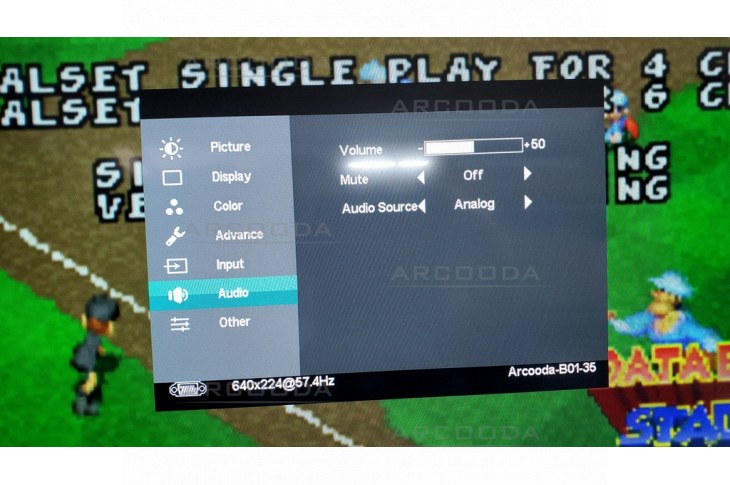


Arcooda Monitors have HDMI Audio Output Extraction for your Speakers
Simply plug in a HDMI source into an Arcooda monitor, then connect your audio output via the 3.5mm audio jack into your speaker system, amplifier or eaphone headset. Volume control is via on screen menu options or via the remote control.
Almost all of our monitors including 19inch, 20inch, 23.8inch, 26inch, 29inch, 32inch, 43inch and 55inch monitors offer audio output via HDMI audio extraction.
Take care to view each monitor's specifications as;
- some monitors only offer non-amplified volume from the speaker output
- some monitors offer amplified volume from the speaker output
- some monitors offer audio input (say you have a VGA source + audio 3.55mm and want to control audio from the monitor function)